

- Overview
- Tech Specs
- Videos
| USB-A 5 Gbps • USB Charge & Sync • Four Ports with up to 7.5W Power per Port |
|
Add Four USB-A 5 Gbps Ports |
|
Your computer’s USB 2.0 ports are perfectly adequate for connecting mice, keyboards, and printers, but if you need to connect external storage drives, USB 2.0 ports are underpowered in more ways than one — limiting data transfer speeds to around 25–30 MB/s, they can hardly be called “high performance”. Most drives available today include faster USB interfaces and offer significantly better performance than USB 2.0-equipped drives. Though you can connect them to your computer’s USB 2.0 ports, their performance would be reduced by as much as 85 percent. Don’t settle for slow performance, install Allegro Type-A USB 3.2 PCIe 4-Port(1) card to instantly add four USB-A 5 Gbps ports to your system. PCIe Interface |
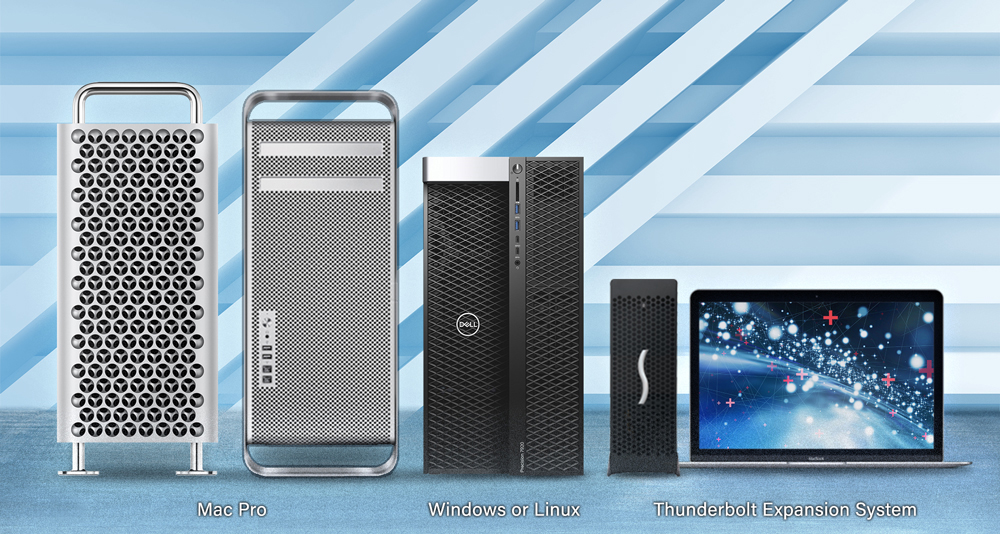
Key Features Adds USB 3.2 Gen 1 Connectivity — Adds four USB-A 5 Gbps ports to your Mac, Windows, or Linux computer or Thunderbolt expansion system with PCIe slots Speedy Performance — Transfers data up to 10x faster than over USB 2.0 connections Super-Powered Ports — Supports USB 3.0 bus-powered devices with up to 2.0A Charging Ports — Supports USB 3.0 charging port handshake, and will simultaneously synch and charge iPads and other devices that support USB 3.0 charging at 1.5A per device Broad USB Device Support & Compatibility — Supports storage, hubs, and other USB-IF compliant devices; compatible with USB 2.0 devices Supports Hot-Swappable Device Connection — Plug in and disconnect peripherals without shutting off your computer Add USB 3 to Thunderbolt Expansion Systems — Add four USB-A 5 Gbps ports to Thunderbolt expansion systems Easy Installation — Quick and easy user installation into any available PCIe slot of your computer  |
 Powerful Ports Powerful PortsSonnet specially engineered the Allegro PCIe card to provide extra power through its ports without the need for you to connect an auxiliary power cable. Delivering up to 10W of power, this Sonnet solution supports USB 3.0 bus-powered devices without the need to connect an additional AC power adapter. The Allegro also supports the USB 3.0 charging specification that enables you to simultaneously charge and sync your iPad, iPhone, or other device that supports USB 3.0 charging. |
|


|
 |
|
|
 |
|
|
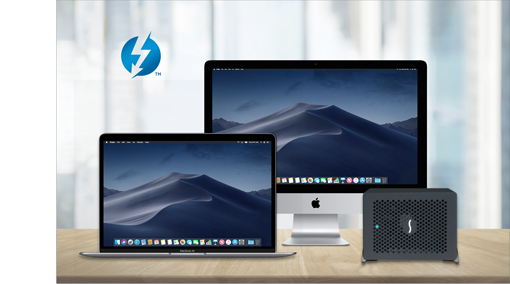
Computer hardware shown in photos for illustration purposes; items sold separately. See Tech Specs Tab for footnotes |

|
Mac Compatibility Mac Pro 14,8 (2023) Mac Pro 7,1 (2019) macOS 15+; compatible with macOS 27 Windows Compatibility Windows computer with an available x1 or larger PCIe slot Windows 11 25H2+ Windows Server 2025 Linux Compatibility Linux computer with an available x1 or larger PCIe slot Supported Linux kernel, 6.6 or later Thunderbolt Compatibility Thunderbolt expansion system with an available x1 or larger PCIe slot |
||||||||||||||||||||||||||||||||||||||||
Allegro Pro USB 3.0 4-Port PCIe Cards Product Overview (2:30 mins) |
|
|




