
- Overview
- Tech Specs
- Videos

| USB-C 10 Gbps • Dual Controllers for Fast Drive-to-Drive Transfers USB-C Charge & Sync • Four Ports with up to 7.5W Power per Port |
|
Add Four USB-C 10 Gbps Ports |
|
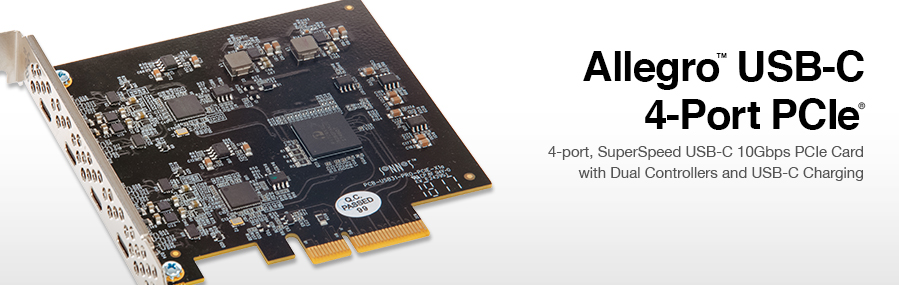
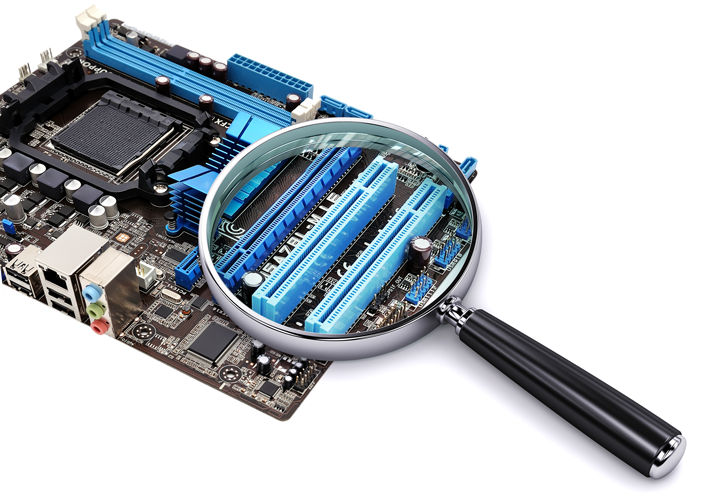
Equipped with SSDs, the fastest USB 3.2 Gen 2 drives you can buy today are capable of 800 MB/s data transfers — many are bus-powered, too. But, most desktop computers (even new models) include generations-old USB interfaces that will throttle that performance and may not offer adequate power to allow bus-powered drives to operate. Break through the bottleneck — install Allegro™ USB-C 4-Port PCIe(1) card to instantly add four USB-C 10 Gbps ports to your system. Two Controllers, Four Ports Featuring two 10 Gbps USB 3.2 Gen 2 controllers and four USB-C ports, the Allegro PCIe card supports data transfers at up to twice as fast as USB 3.0 and USB 3.1 Gen 1 ports are capable. With two controllers onboard, the Allegro card speeds data transfers between connected drives, and enables your computer to load and off-load data more quickly. |
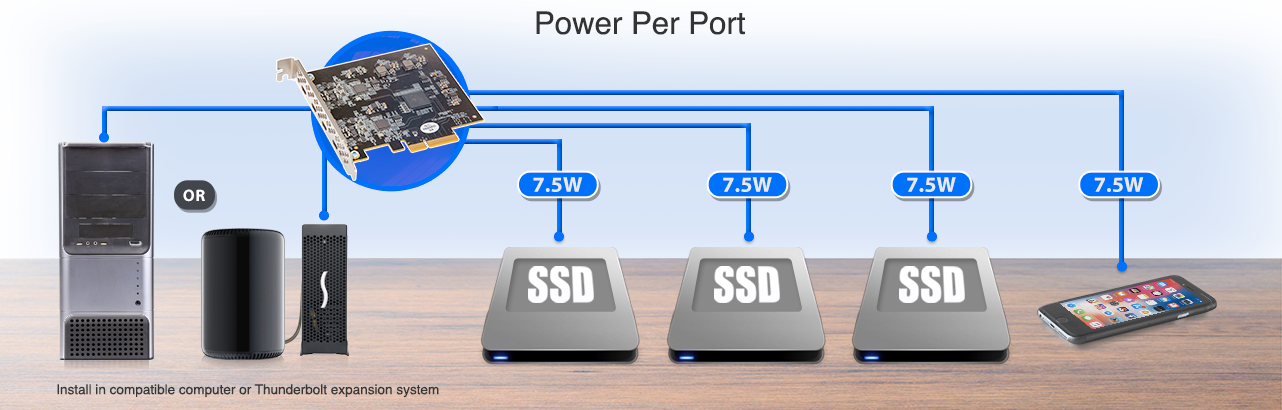
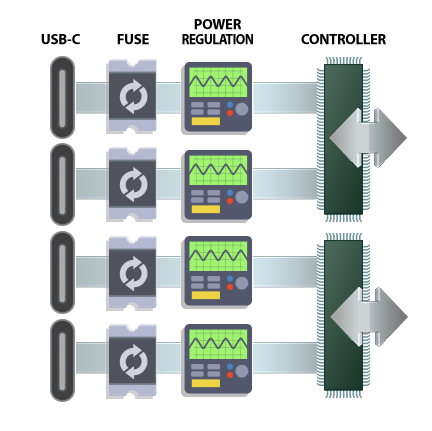
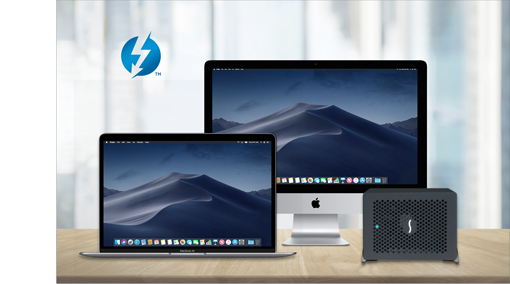
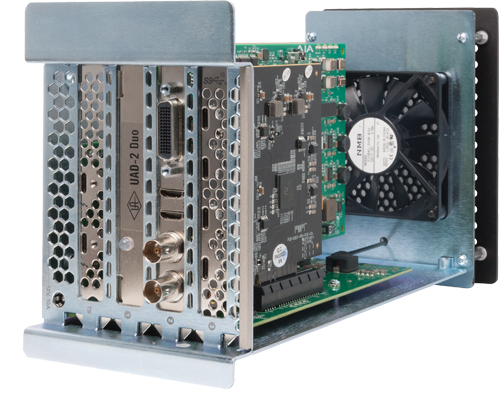
Key Features Four SuperSpeed USB-C 10 Gbps Ports — Adds four USB-C 10 Gbps ports to your computer or Thunderbolt expansion system with PCIe slots Powerful Performance with Dual USB 3.2 Gen 2 Controllers — Support data transfers at up to twice as fast as USB 3.0 and USB 3.1 Gen 1; speed data transfers between connected drives Powered Ports — Supports USB-C bus-powered SSD, SSD RAID, and hard drive devices with up to 7.5W power per port Protected Power Delivery — Independent power regulation isolates each port to prevent cross-coupled power glitches that may cause accidental disconnects; resettable device overcurrent fuses protect the card and computer, and may be reset by a simple shutdown Broad USB Device Support & Compatibility — Supports storage, hubs, and other USB-IF compliant USB devices Add USB 3 to Thunderbolt Expansion System — Add four SuperSpeed USB-C 10 Gbps ports to Thunderbolt expansion systems Supports Hot-Swappable Device Connection — Plug in and disconnect peripherals without shutting off your computer Easy Installation — Quick and easy installation into any available PCIe slot 
|


 |
|
Speed and Power Unlike other 4-port USB cards (simple hubs that split a single USB controller’s bandwidth between all four ports), Sonnet’s Allegro PCIe card supports data transfers from a single USB 3.2 Gen 2 SSD RAID device at up to 800 MB/s— compared to using a USB 3.1 Gen 1 or USB 3.0 adapter card, transfers complete in half the time! Exploiting its dual controllers design, it’s possible to simultaneously transfer data to two connected drives at up to 660 MB/s each. With four drives connected, the four ports support simultaneous 300 MB/s transfers! |
Sonnet Port Power Advantages: Unlike ordinary USB-C adapter cards, Sonnet's Allegro PCIe card was designed with a focus on intelligent power delivery and management for powering attached drives through its ports. |
|
|
No Auxiliary Power Required 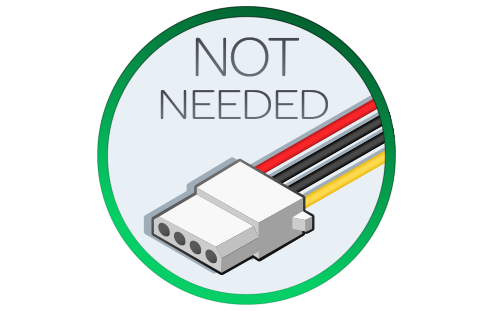
|
|
|
 |
|
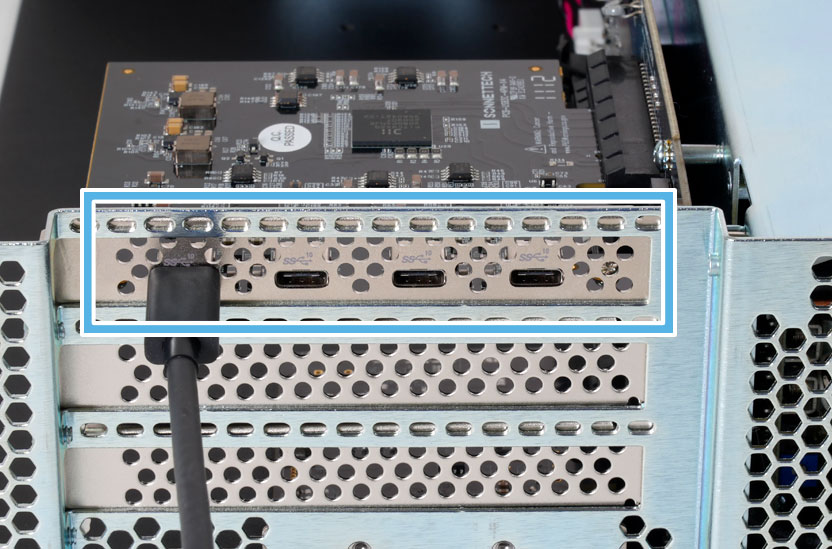
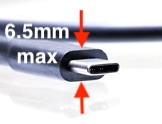
Easy to Access Ports Sonnet designed the Allegro USB-C 4-Port PCIe card with custom USB-C connectors that locate the ports near the center of the PCIe bracket. Unlike other cards that use standard Type-C connectors that are mounted close to the edge of the bracket, this Allegro card provides plenty of clearance for you to plug in cables. |
|
|
|
|
|
 |
|
|
 |
|
|
Computer hardware shown in photos for illustration purposes; items sold separately. See Tech Specs Tab for footnotes |

|
Mac Compatibility Mac Pro 14,8 (2023) Mac Pro 7,1 (2019) macOS 15+; compatible with macOS 27 Windows Compatibility Windows computer with an available x4 or larger PCIe slot Windows 11 25H2+ Windows Server 2025 Linux Compatibility (See Tech Note 1149) Linux computer with an available x4 or larger PCIe slot Supported Linux kernel, 6.6 or later Thunderbolt Compatibility Thunderbolt expansion system with an available x4 or larger PCIe slot
|
||||||||||||||||||||||||||||||||||||||||||
Allegro USB-C 4-Port PCIe Product Overview (1:39 mins) |
|
|




