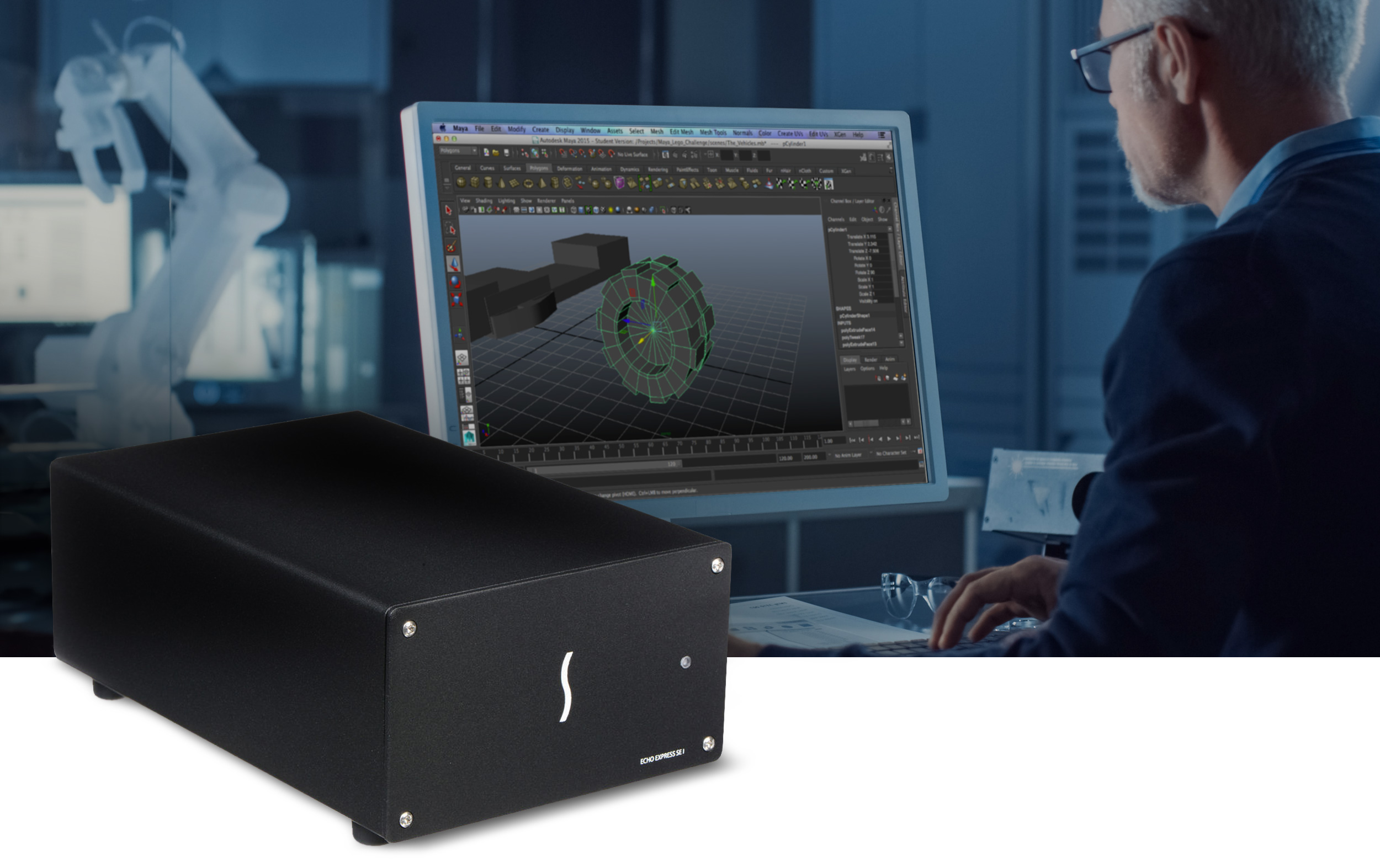
Sonnet Echo Express SE I Thunderbolt Expansion System lifestyle shot.
Compact.
Full Performance.
Compact. Full Performance.

Echo Express SE I

1-slot Desktop Thunderbolt to PCIe Card Expansion System for Computers with Thunderbolt Ports

Connect One Full-height, Half-length+ PCIe Card (Plus Daughter Card)

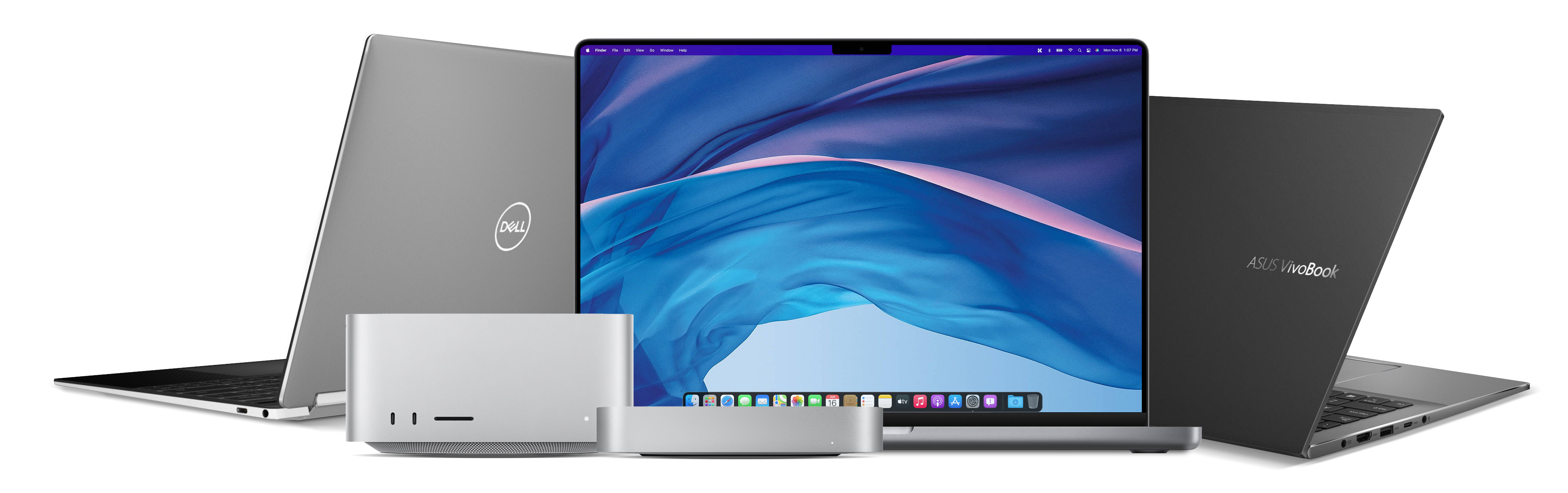
The processing power offered by Mac, Windows, and Linux computers with Thunderbolt™ ports is truly impressive for today's creative professionals. However, these sleek, thin devices come with a drawback: they lack PCIe expansion slots for adding cards that boost connectivity and processing capabilities. Sonnet offers the ideal solution with Echo™ Express SE I Thunderbolt Expansion System. This compact, one-slot system allows you to easily connect a single PCIe card to your computer. Using a single Thunderbolt cable, it’s compatible with Apple M series or Intel Macs with Thunderbolt 3 ports, and Windows or Linux computers with Thunderbolt 5, 4, or USB4 ports.

Thunderbolt logo icon.

The Thunderbolt Interface Connection

Professional Desktop PCIe Card Expansion – when connected to one of your computer’s Thunderbolt ports, Echo Express SE I allows you to connect a single professional PCIe card — such as a video capture device, audio interface, SAS or SATA host bus adapter, Fibre Channel, Ethernet, or RAID controller — along with a daughter card.

Key Features

PCIe card icon.

Connect a PCIe Card

Use high-performance PCIe cards with any computer with Thunderbolt ports.

Number 1 icon.

One PCIe 3.0 x8 Slot

Supports one half-length+ (up to 7.75 inches long), full-height, single-width PCIe card (plus one daughter card).

Thunderbolt logo icon.

Thunderbolt to PCIe Device

Offers full PCIe bandwidth to the installed card.

Speedometer icon.

Small. Light. Full Performance.

Takes up little space on the desktop, but large enough to support nearly every Thunderbolt-compatible PCIe card, at full performance.

Two Thunderbolt ports icon.

Connect Additional Thunderbolt Devices

One port connects to computer; second port supports daisy-chaining additional Thunderbolt peripheral devices.

Ear icon.

Remarkably Quiet

Temperature-controlled, variable-speed fan automatically and quietly cools the card.

Energy saver icon.

Energy Saver Mode

Powers on/off automatically with the computer.

Rugged icon.

Rugged Aluminum Housing

Provides robust and secure protection.

Power icon.

Power for Peripherals

Daisy chain port provides up to 15W of power to connected peripherals.

Apple logo icon.

Mac Compatible

Supports M series Macs and Intel Macs with Thunderbolt 3 ports.

Windows logo icon.

Windows Compatible

Supports Windows computers with Thunderbolt 5, 4, or USB4 ports.

Linux logo icon.

Linux Compatible

Supports Linux computers with Thunderbolt 5, 4, or USB4 ports.

Free lifetime tech support icon.

Sonnet Support

Founded in 1986 in Orange County, Southern California — long recognized as a vibrant hub of technology and engineering — Sonnet has been at the forefront of innovation for nearly four decades. We’ve introduced award-winning products that expand performance and connectivity for Mac, Windows, and other industry-standard computers. Many of our team members have been with us for more than 20 years, bringing unmatched expertise across both current and legacy products. Should you ever need technical support, you can count on our knowledgeable staff to provide the help you need.
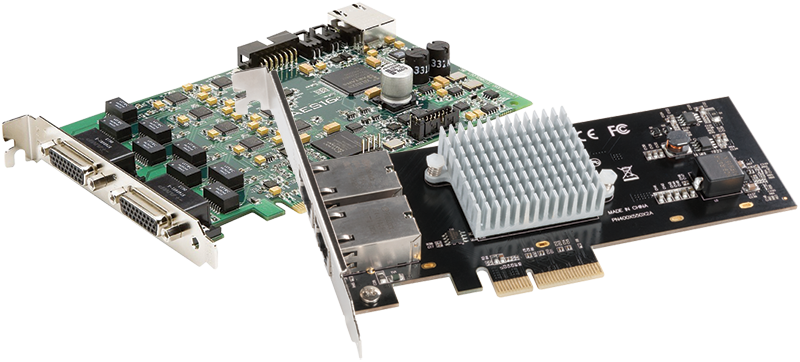
Group of PCIe cards.

Nearly Every Thunderbolt-Compatible, Non-GPU PCIe Card Supported

Designed to accommodate cards up to 7.75 inches long and measuring a compact 5.6 inches wide by 8.6 inches long by 3.5 inches tall, Echo Express SE I has a small footprint, yet it is large enough to support nearly every Thunderbolt compatible PCIe 4.0, 3.0, PCIe 2.0, and PCIe 1.1 card available. Do you have a card in mind but aren’t sure it’s compatible? We’ve put together a compatibility list that identifies cards conforming to Thunderbolt technology requirements, and organized by fit and power compatibility with specific expansion systems. 

Echo Express SE I icon.

All Around Smart Design

Aluminum Enclosure. Auto Power On/Off.

Echo Express SE I’s lightweight, yet rugged aluminum outer shell securely houses the installed PCIe card. Since Echo Express products automatically power on and off with your computer, there is no power switch on the chassis, ensuring you don’t waste energy by forgetting to turn it off.

One PCIe 3.0 Slot and Space for a Daughter Card

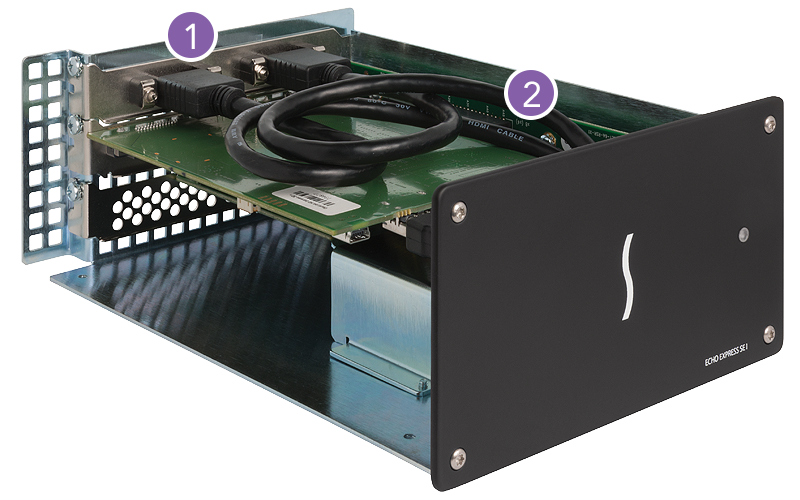
Echo Express SE I features an x8 PCIe slot, and supports one half-length+, full-height, single- or double-width PCIe card. Double-width? Some pro video and audio interface cards, such as Blackmagic Design’s DeckLink 4K Extreme, and RME’s HDSPe MADI FX card, include a daughter card that mates with and provides additional external connections to the main card. The daughter card occupies the adjacent space without filling a PCIe slot.
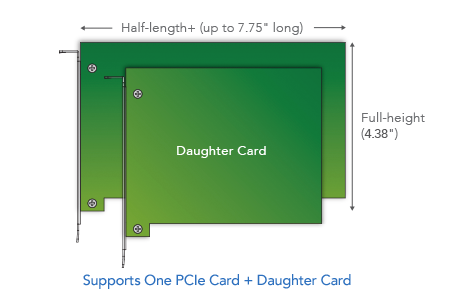
Supported PCIe cards illustration.
Echo Express SE I interior view showing location of PCIe card slot and space for daughter card.

1. Space for a daughter card
2. PCIe 3.0 x8 slot

Fan icon.

Quiet Please

Echo Express SE I is designed to be ultra-quiet so that it can be comfortably used in noise-sensitive environments. The airflow path within the chassis has been specially designed to enable the temperature-controlled, variable speed fan to quietly and efficiently cool the installed card at all times, even during peak operation.
Sonnet Thunderbolt cable and ThunderLok icon.
Secure Connections for High Performance

Thunderbolt Cable and ThunderLok Included

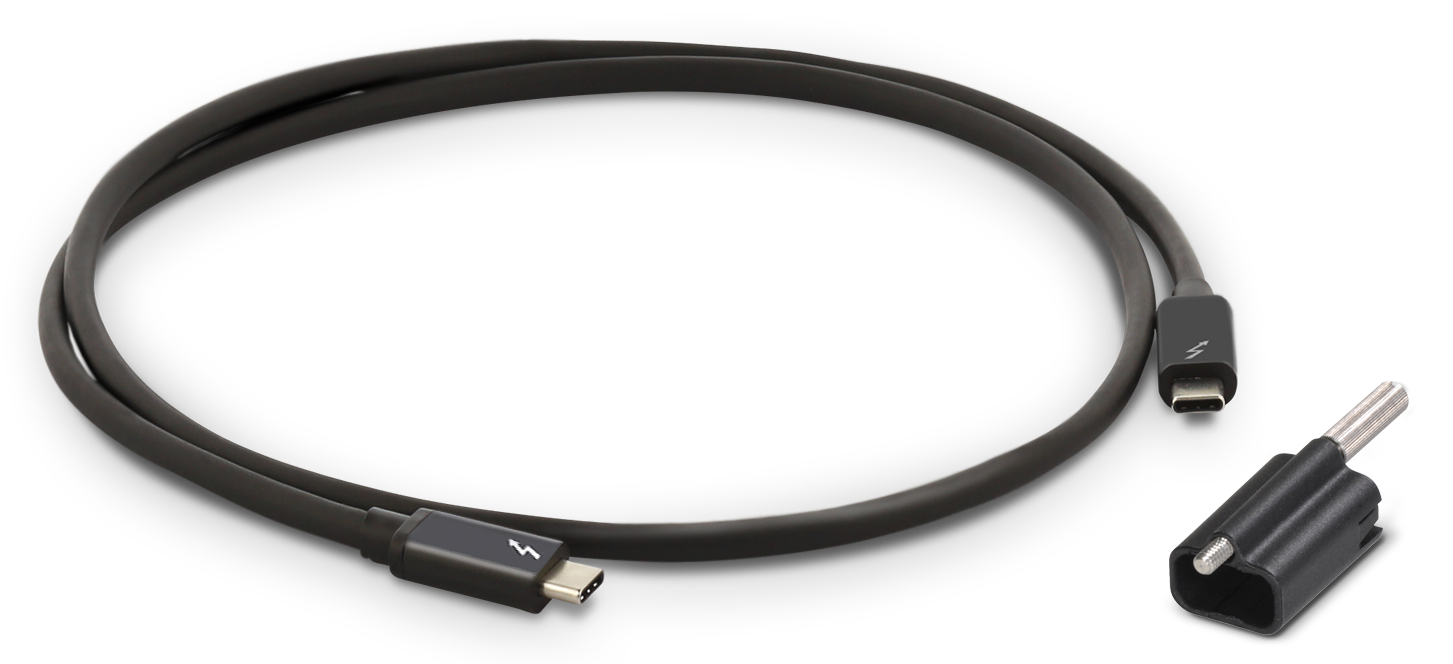
Sonnet includes a Thunderbolt cable that supports Thunderbolt’s maximum bandwidth and is fully compatible with Thunderbolt 5, 4, and 3 computers. Sonnet also provides ThunderLok, a Thunderbolt connector cable lock, that prevents accidental cable disconnections.
Sonnet Thunderbolt cable with ThunderLok sitting beside it.
Thunderbolt port with threaded hole icon.

ThunderLok Advantage

Many Sonnet Thunderbolt products featuring Thunderbolt ports come equipped with threaded mounting holes to securely attach a Sonnet ThunderLok connector lock, preventing Thunderbolt cables from accidentally disconnecting.

Thunderbolt Technology

Fastest External Interface Available

Sonnet Thunderbolt products feature a high-speed Thunderbolt interface that delivers PCIe bandwidth needed to support data transfers at full speed.

Two Thunderbolt ports icon.
Connect Additional Thunderbolt Devices
One port is reserved for connecting to your computer; the second port enables connection of additional Thunderbolt peripheral devices in a daisy chain.
10Gbps USB 3.2 Gen 2 icon.
10Gbps USB 3.2 Gen 2 Support
10Gbps USB 3.2 Gen 2 support allows you to connect a USB device to the second Thunderbolt port using the proper cable or adapter.
15W power icon.
Provides 15W of Power
For peripherals requiring extra power, 15 watts is provided to bus-powered devices through the secondary Thunderbolt port.
Display icon.
Supports Connecting Up to One 8K Display
Maximize the utilization of one computer Thunderbolt port, connecting the largest display supported by your computer.
Group of Thunderbolt computers.

Designed for the Fastest Connection to Thunderbolt Computers

Echo Express SE I is purposely designed with a Thunderbolt 3 controller and its four lanes of PCIe (not available in a Thunderbolt 4 peripheral) to achieve maximum simultaneous ingest speeds. Watch this video to learn more about the performance benefits.

Echo Express SE I Thunderbolt Expansion System