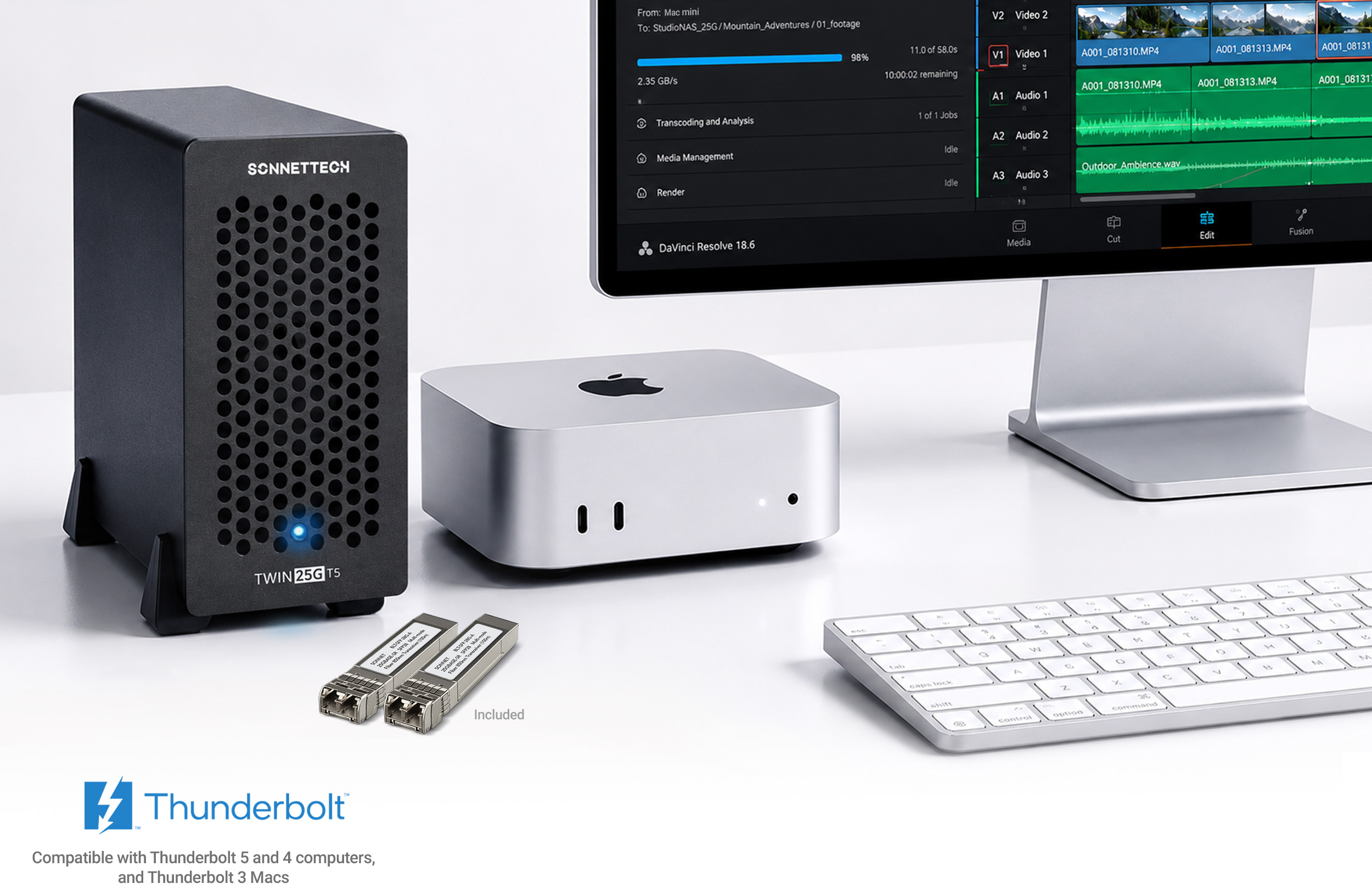
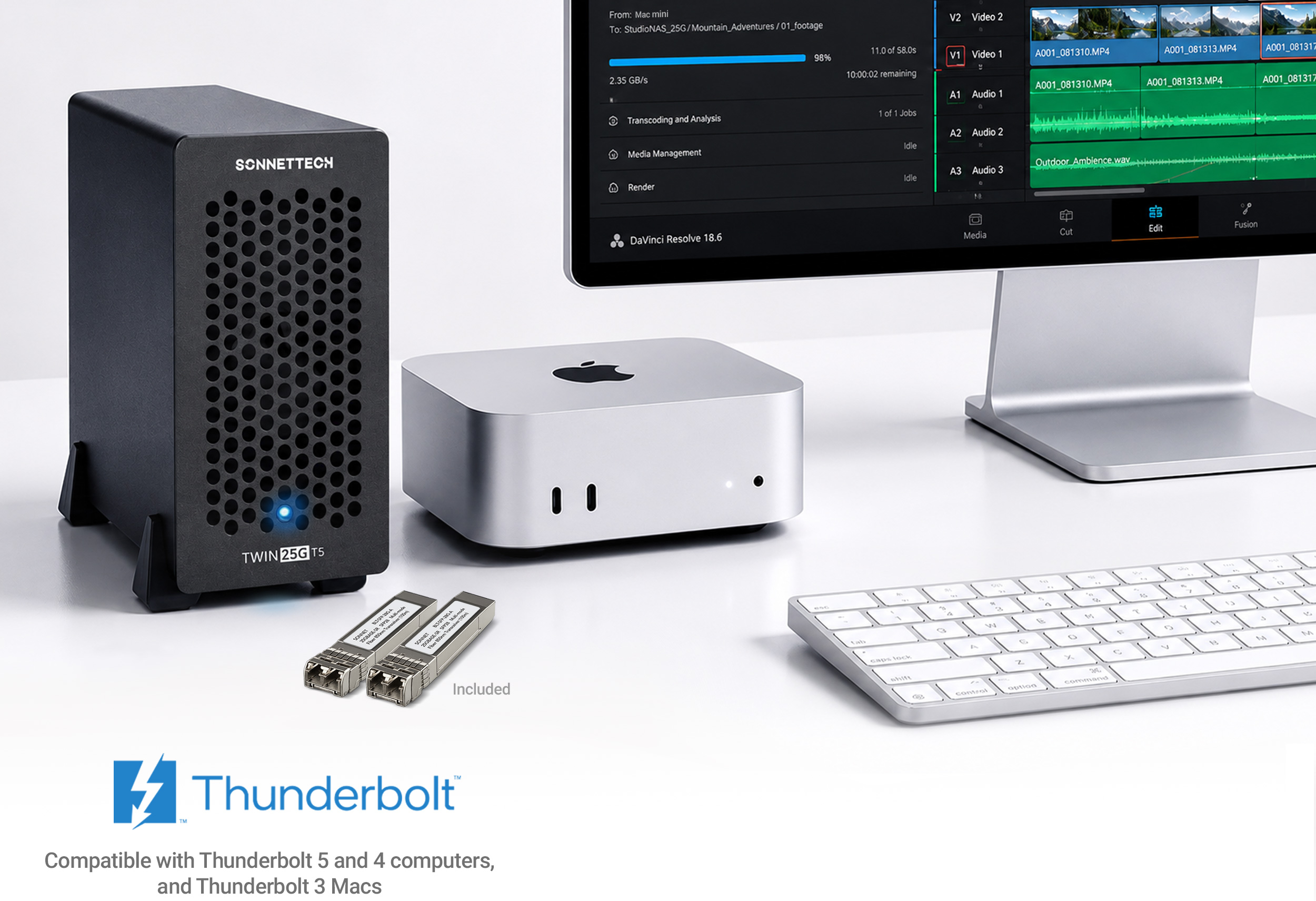

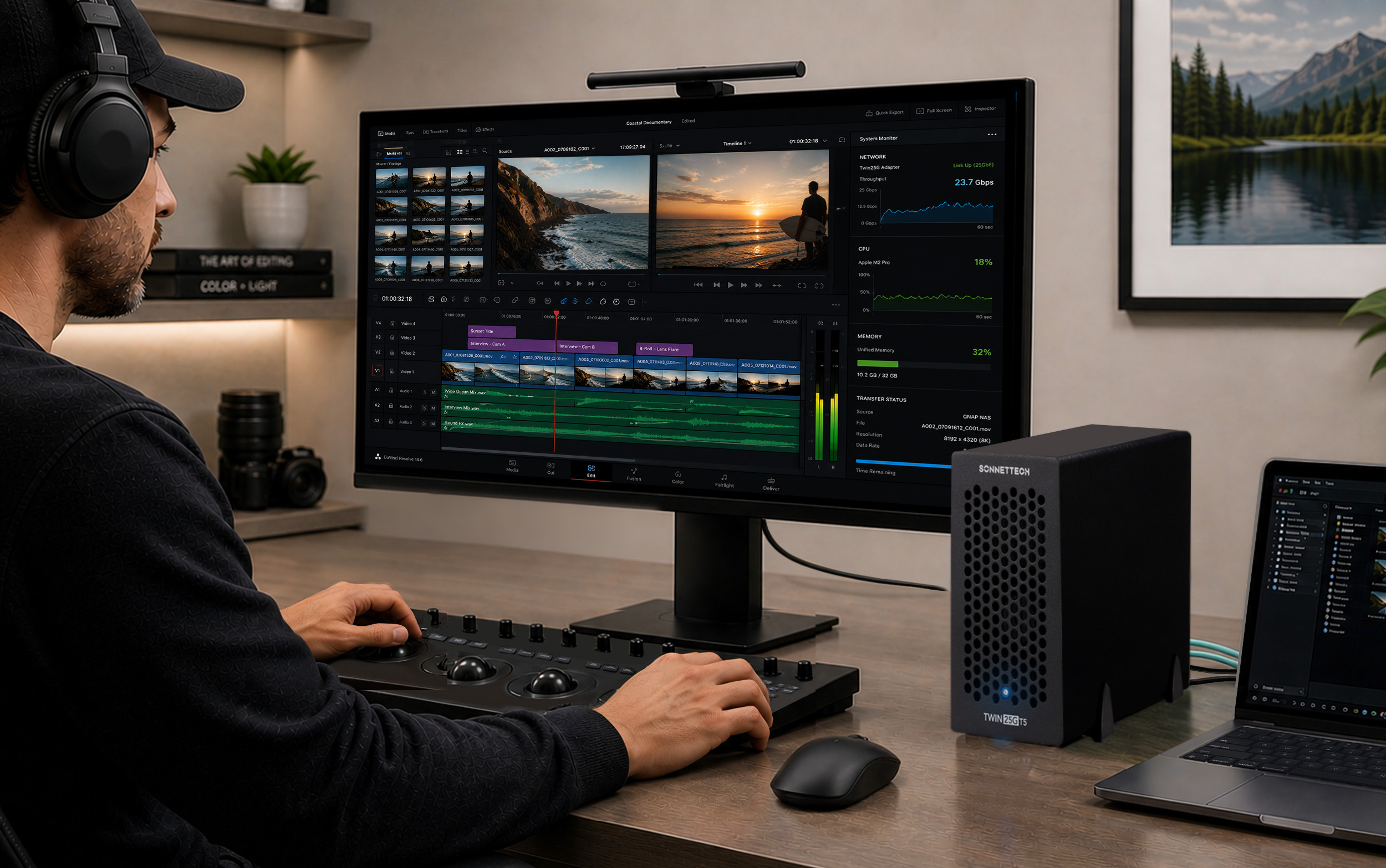
As post-production workflows outgrow 10GbE, new low-cost 25GbE switches make upgrading easier than ever — yet connecting a computer with Thunderbolt or USB4 ports to a 25GbE network has remained expensive. The Twin25G T5 Thunderbolt 5 Adapter changes that, delivering fast, affordable 25GbE connectivity to systems without PCIe slots.

Simply powerful way to add dual optical 25GbE connections to your computer.
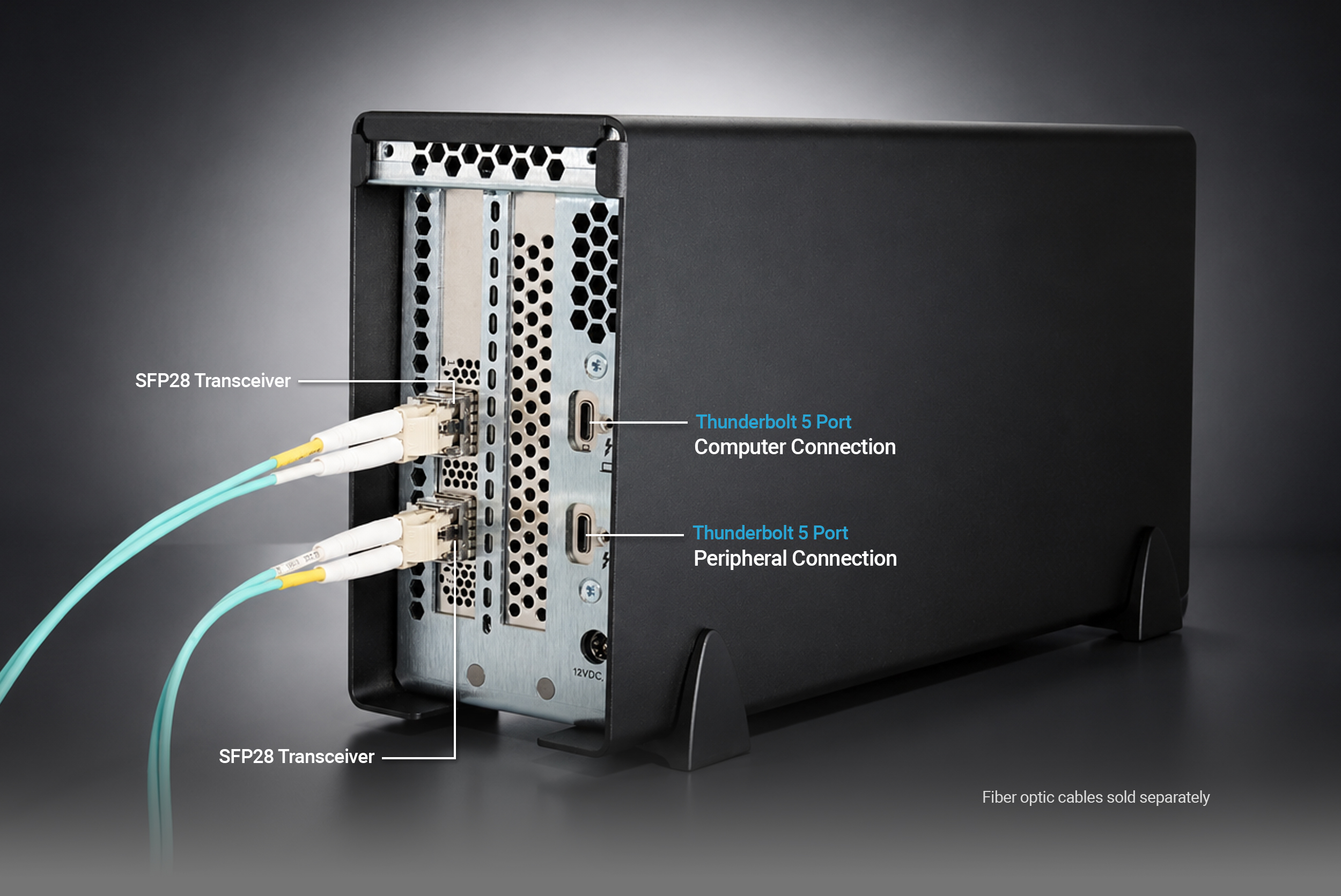
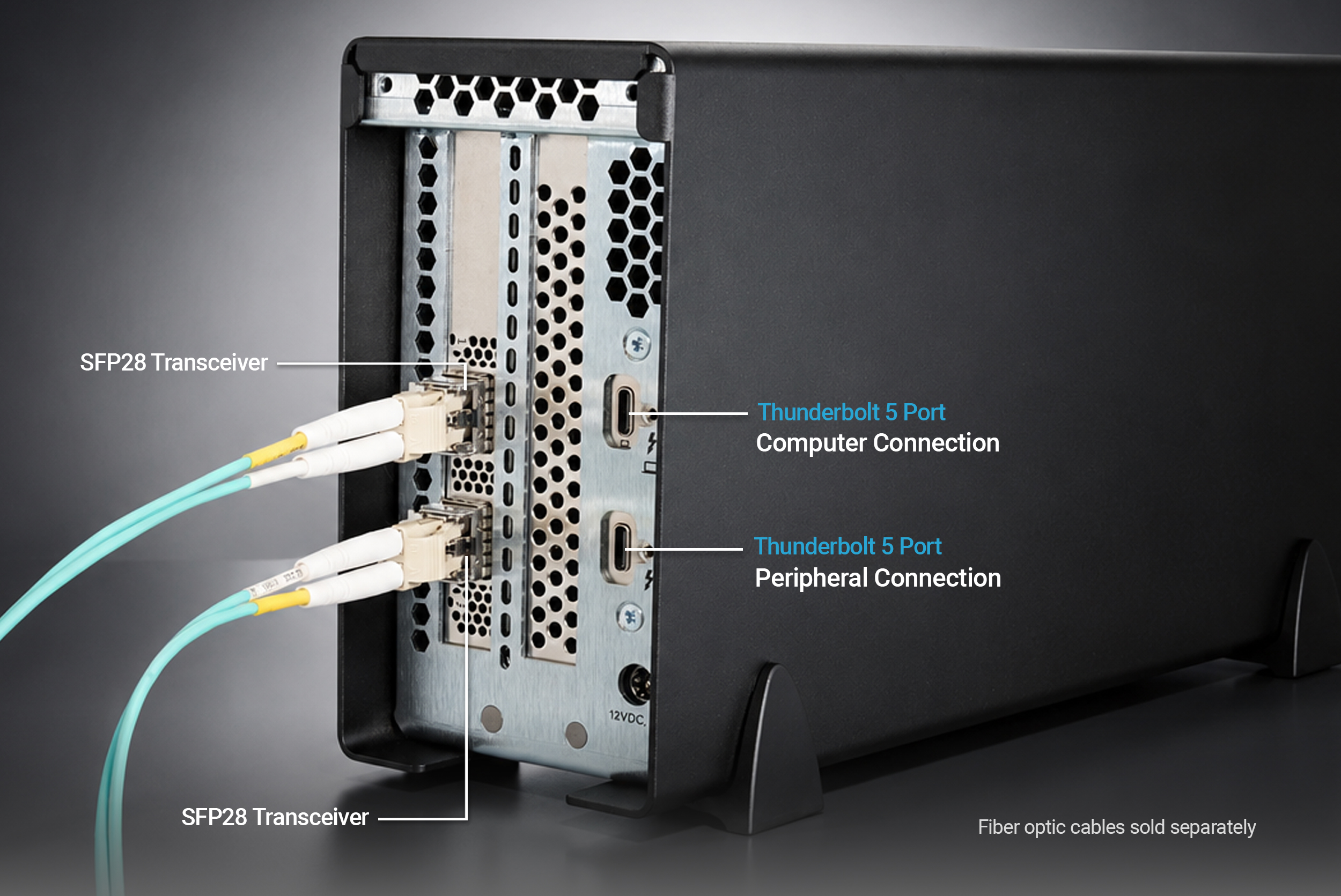
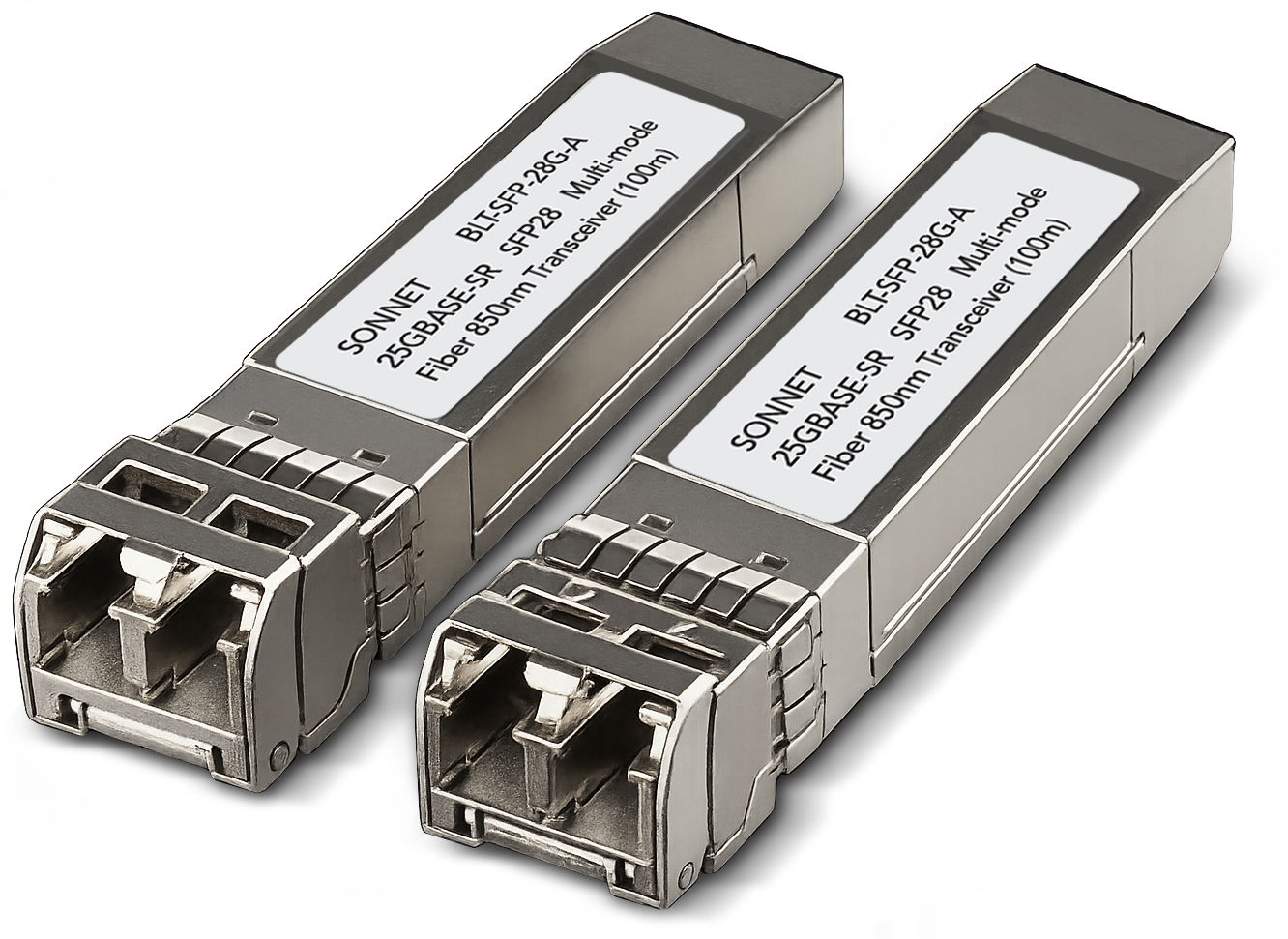
High-performance adapter includes two 25GBASE-SR SFP28 transceivers.

Supports 10GbE, enabling you to integrate with existing 10GbE infrastructure now and upgrade your switch or shared storage system to 25GbE later.

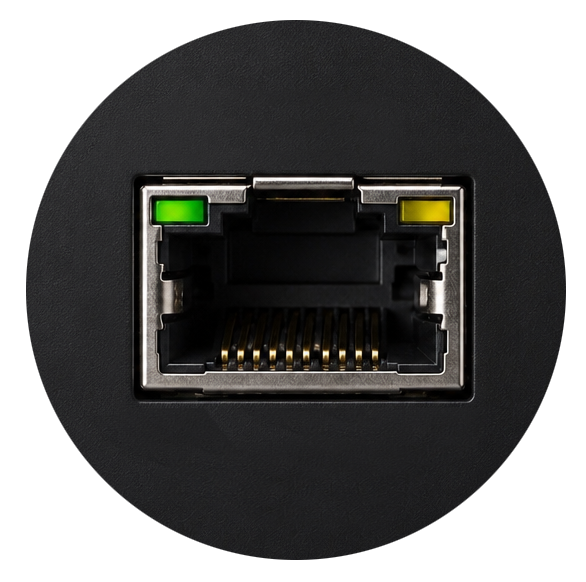
One port connects to computer; second port provides 15W for a Thunderbolt or USB device; or to connect a 6K display.

Compact enough to fit comfortably on any desktop and quiet enough for noise-sensitive environments. You’ll hardly notice it’s there.

Founded in 1986 in Orange County, Southern California — long recognized as a vibrant hub of technology and engineering — Sonnet has been at the forefront of innovation for nearly four decades. We’ve introduced award-winning products that expand performance and connectivity for Mac, Windows, and other industry-standard computers. Many of our team members have been with us for more than 20 years, bringing unmatched expertise across both current and legacy products. Should you ever need technical support, you can count on our knowledgeable staff to provide the help you need.
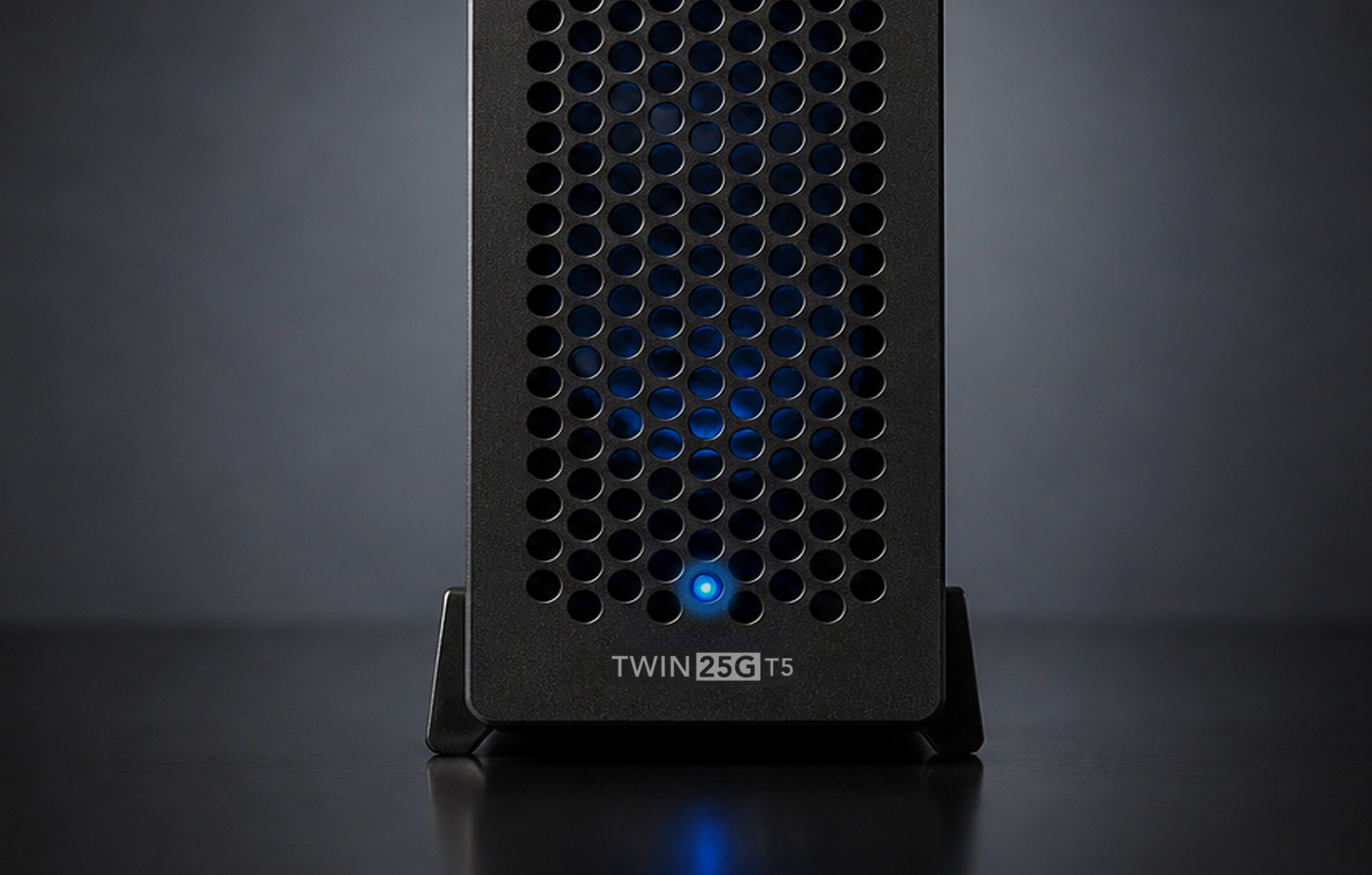
Small enough to easily fit in most workspaces, Twin25G T5 is large enough to support proper airflow inside its case to enable the adapter’s temperature-controlled, variable-speed fan to keep the adapter always running cool and quiet.
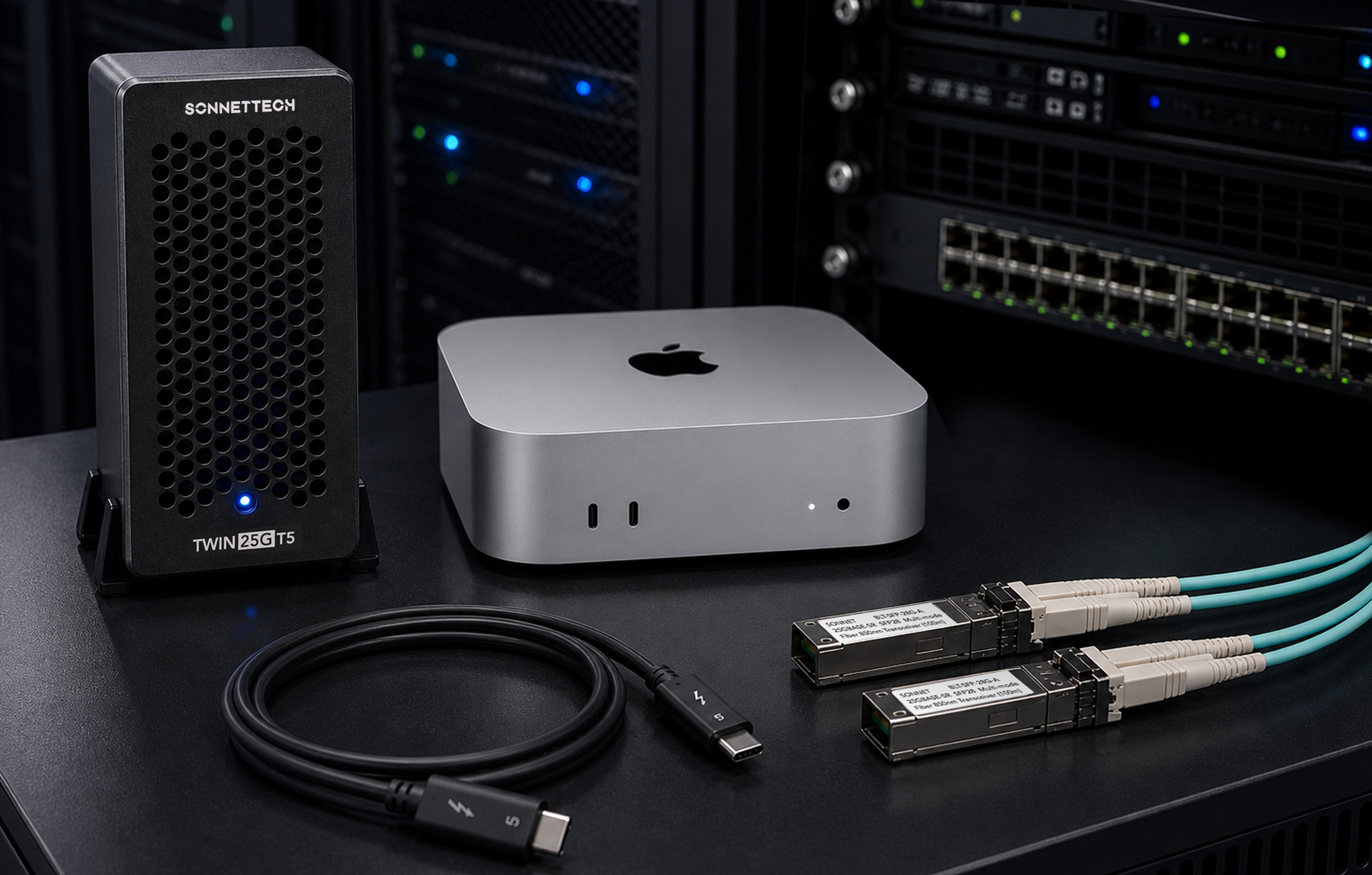
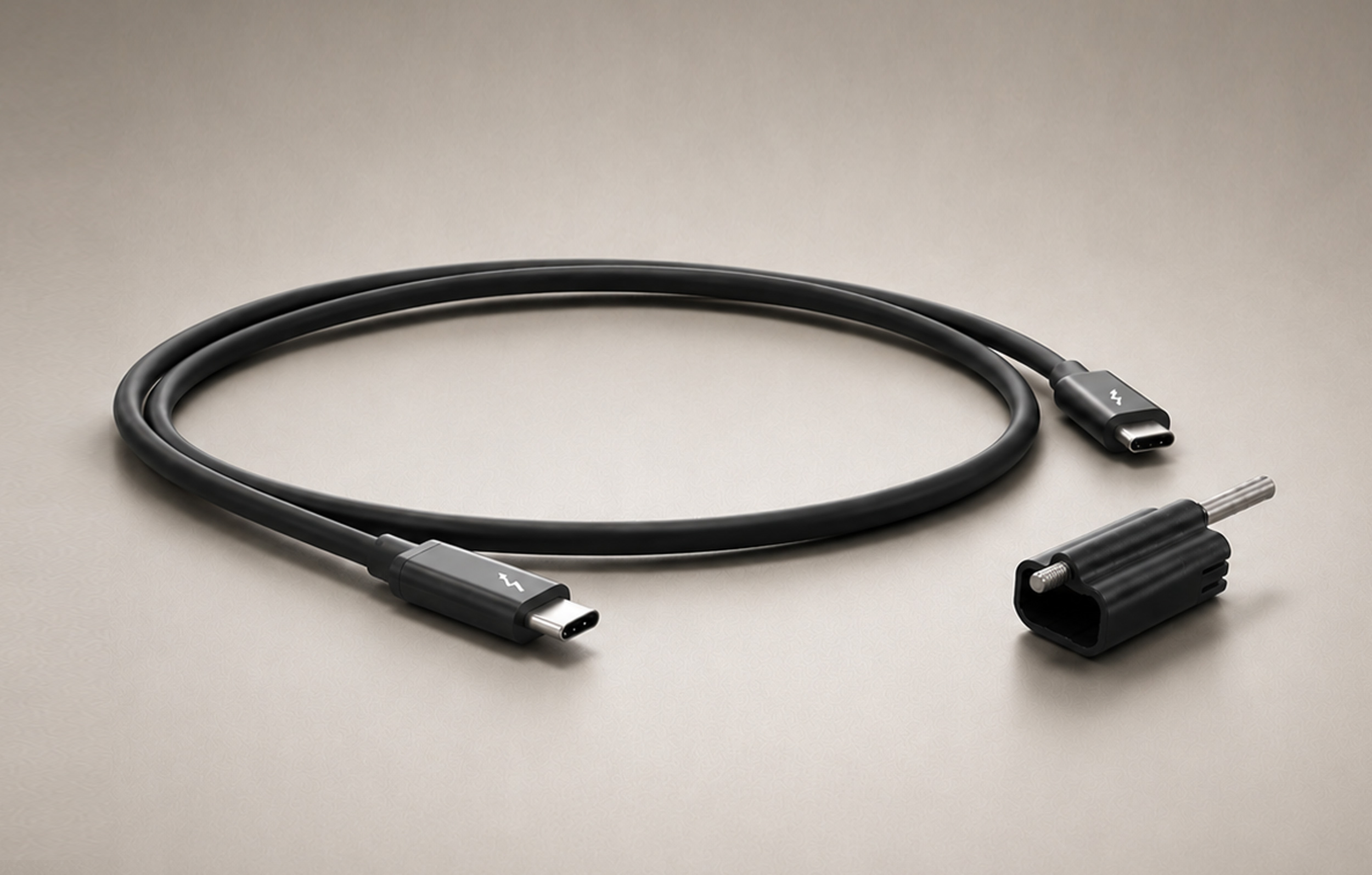
Simply install a driver, connect the Twin25G T5 Thunderbolt 5 Adapter to your computer via the included Thunderbolt cable, install the included SFP28 modules, connect the adapter to the network switch or directly to 25GbE-enabled storage, and then configure the adapter’s settings through the macOS Network control panel, Windows Device Manager, or Linux command line (or graphical utility).
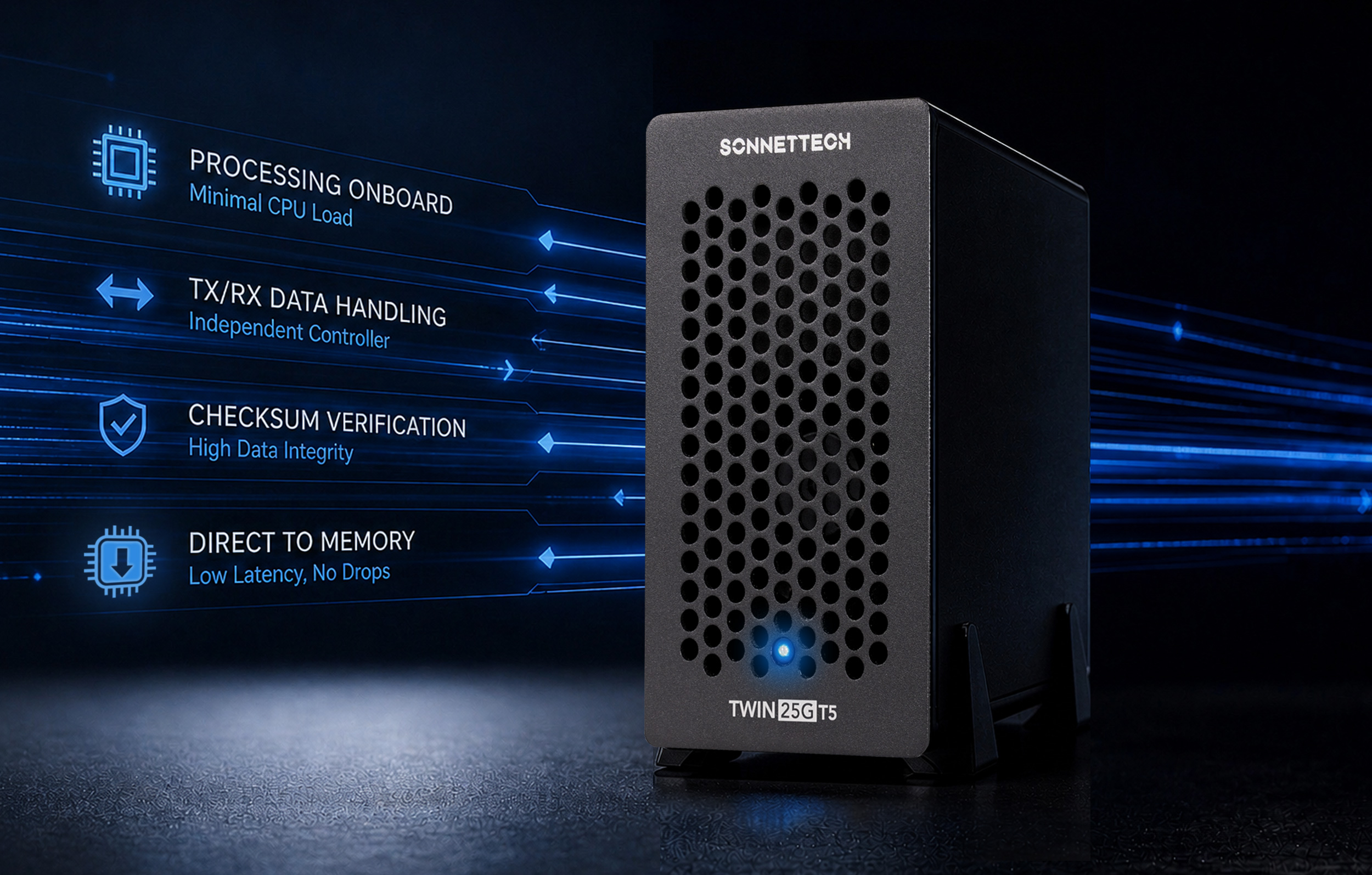
Twin25G attains high throughput performance with minimal host CPU load. The adapter’s smart controller has its own internal processing system with onboard memory to process TX/RX data while using few CPU resources. Once data appears in queues, TX checksums are computed on the fly as data is transmitted; RX checksums are quickly verified, and data is immediately passed directly to main memory. This independent controller action minimizes latency and avoids packet drops; your computer’s CPU is freed for other tasks.