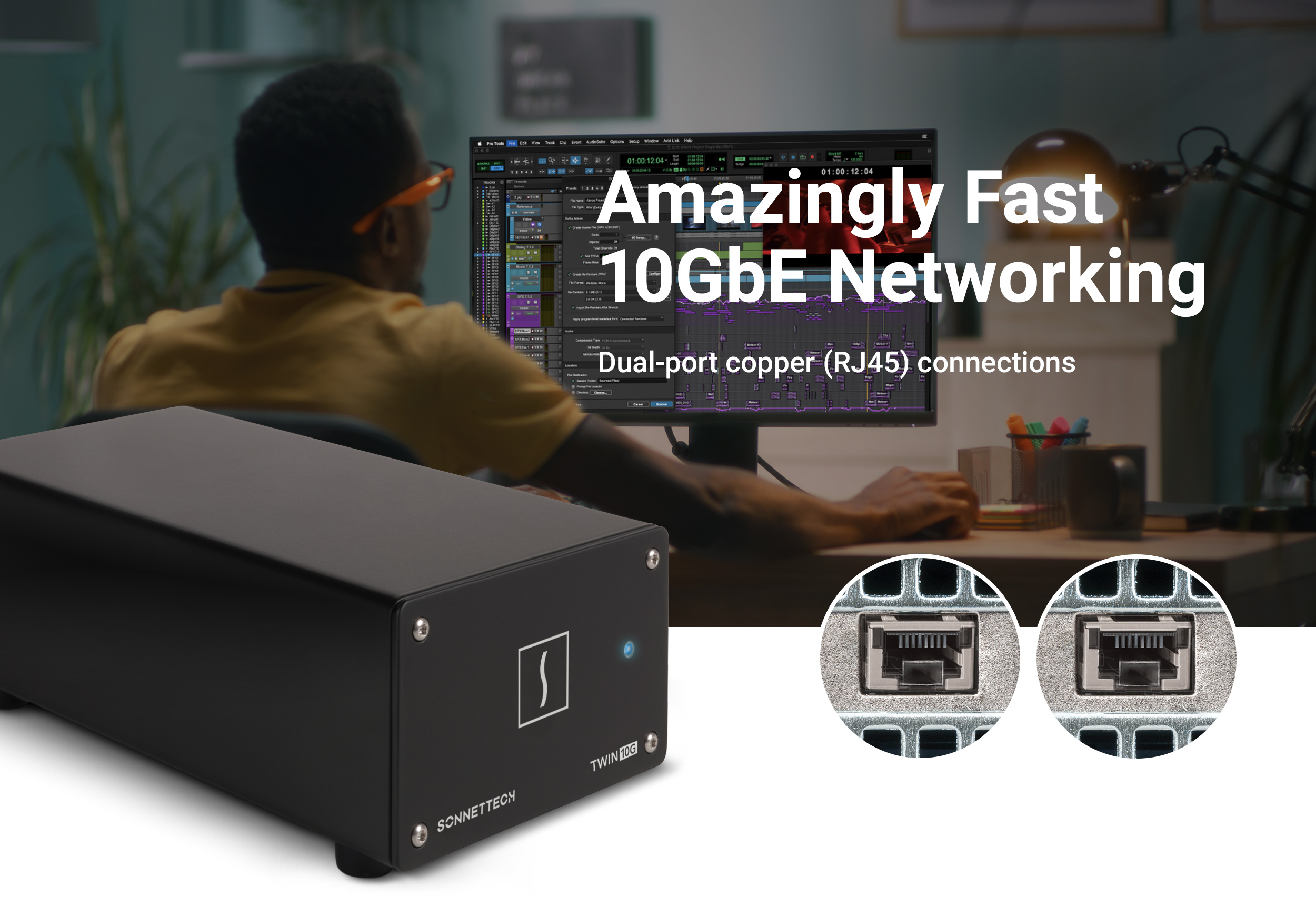
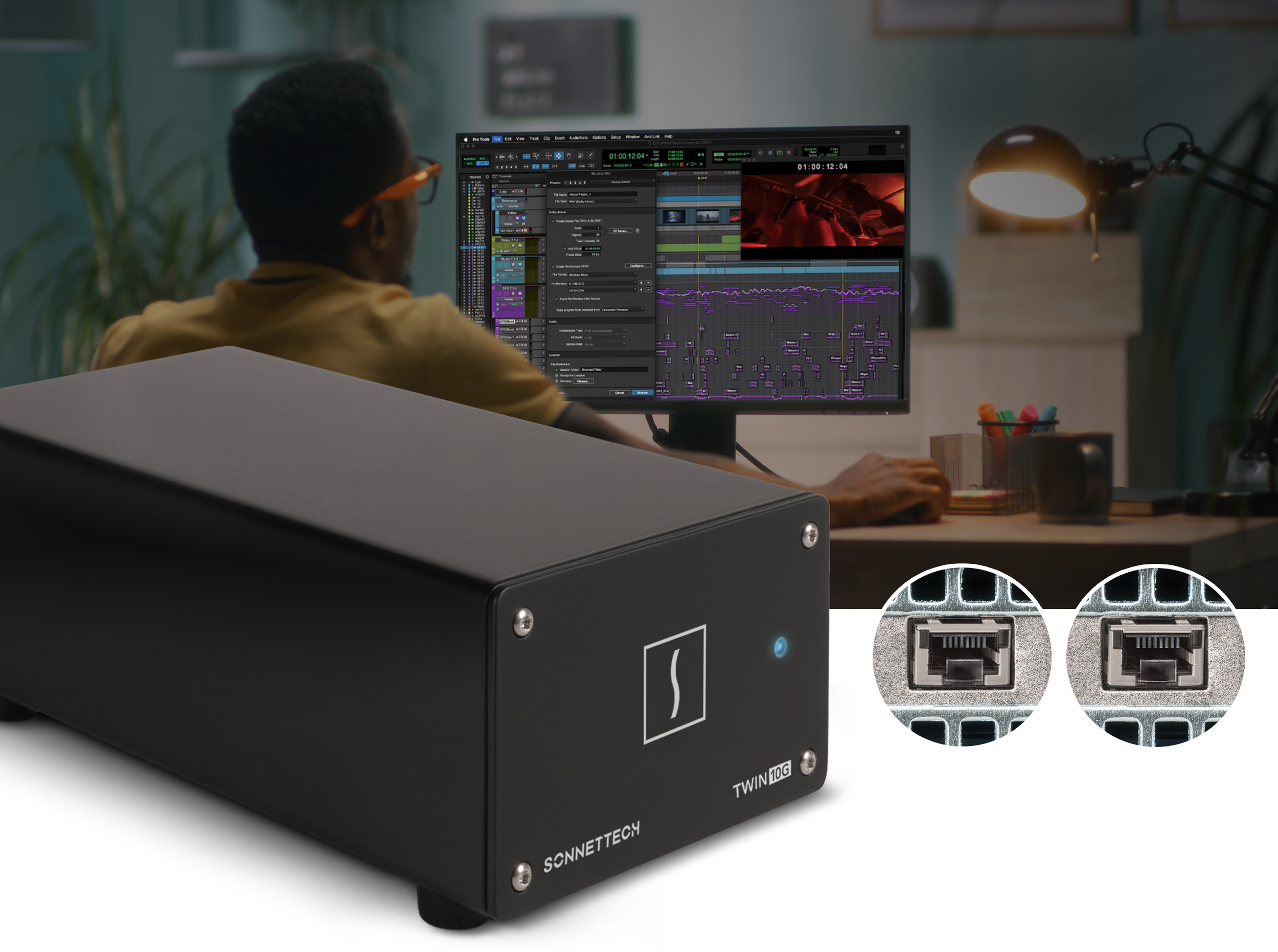
Twin10G Thunderbolt Adapter shown in foreground with video editor in background.Twin10G Product Hero Photo
Amazingly Fast
10GbE Networking
Dual-port copper (RJ45) connections

Twin10G

Dual-port 10GBASE-T 10 Gigabit Ethernet Thunderbolt Adapter

Compatible with Mac, Windows, and Linux Computers

Blazing-fast 10GBASE-T (Copper) Connectivity Over Thunderbolt

Rising demand for faster data transfer speeds and increased bandwidth on high-performance shared storage networks has fueled the rapid growth of 10 Gigabit Ethernet (10GbE) adoption. However, most computers still lack built-in support for this ultra-fast connectivity. Twin10G™ Thunderbolt Adapter offers a powerful yet straightforward and cost-effective way to add blazing-fast, dual-port 10GBASE-T 10GbE network connectivity to your system. It works seamlessly with Apple M series Macs, Intel Macs with Thunderbolt 3 ports, and Windows or Linux PCs equipped with Thunderbolt 5 or Thunderbolt 4 ports.
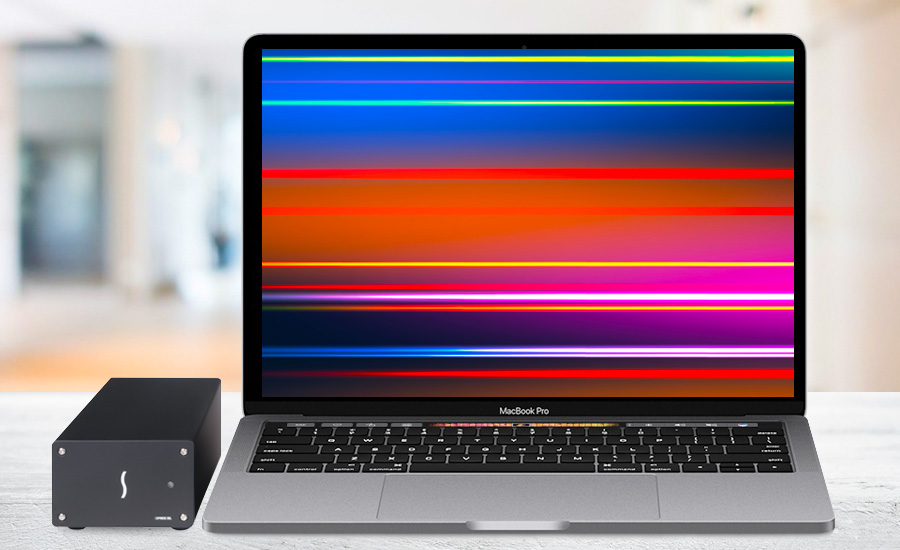
Twin10G next to MacBook Pro.

Connect to 10GbE Infrastructure

Twin10G adapter is equipped with two RJ45 ports, enabling it to connect to 10GbE infrastructure via inexpensive Cat 6 or Cat 6A copper cabling at distances up to 55 or 100 meters, respectively.

Key Features

10GbE icon.

Adds 10GBASE-T 10GbE Connectivity

Simply powerful way to add dual RJ45 10 Gigabit Ethernet ports to your computer with Thunderbolt ports.

Piggy bank icon.

Cost-Effective

Connects to 10GbE infrastructure via inexpensive Cat 6 or Cat 6A cables at distances up to 55 or 100 meters, respectively.

Tools icon.

Easy Setup

Configure the adapter's settings using operating system tools.

Thunderbolt logo icon.

Thunderbolt to PCIe Device

Enough PCIe bandwidth to support two 10Gb ports at full speed.

Two Thunderbolt ports icon.

Daisy-chain Additional Thunderbolt Devices

On back panel of Twin10G, one Thunderbolt port connects to computer; second port supports daisy-chaining of additional Thunderbolt peripheral devices.

Rugged icon.

Small. Rugged. Nearly Noiseless.

Rugged aluminum enclosure is compact enough to sit on most any work surface, and quiet enough for use in noise-sensitive environments.

Transparent Failover icon.

Supports Transparent Failover

Keeps your computer connected in case a single cable is disconnected or one of the ports fails.

Link icon.

Supports Link Aggregation (Teaming)

Increases throughput beyond what a single connection can sustain (Windows and Linux).

VMWare Ready logo icon.

VMWare Ready

Optimized to meet VMWare’s highest level of endorsement.

Apple Logo Icon

Mac Compatible

Supports all M series Macs and Intel Macs with Thunderbolt 3 ports.

Windows Logo Icon

Windows Compatible

Supports Windows computers with Thunderbolt 5 or Thunderbolt 4 ports.

Linux Logo Icon

Linux Compatible

Supports Linux computers with Thunderbolt 5 or Thunderbolt 4 ports.

Free lifetime tech support icon.

Sonnet Support

Founded in 1986 in Orange County, Southern California — long recognized as a vibrant hub of technology and engineering — Sonnet has been at the forefront of innovation for nearly four decades. We’ve introduced award-winning products that expand performance and connectivity for Mac, Windows, and other industry-standard computers. Many of our team members have been with us for more than 20 years, bringing unmatched expertise across both current and legacy products. Should you ever need technical support, you can count on our knowledgeable staff to provide the help you need.

Twin10G Thunderbolt Adapter front panel icon.

Compact and Nearly Noiseless

Twin10G adapter is compact enough to easily fit in most workspaces, yet large enough to support proper airflow inside the case — its design enables the adapter’s temperature-controlled, variable-speed fan to keep the adapter running cool and whisper-quiet at all times, making it suitable for use in noise-sensitive environments. Constructed of rugged and lightweight aluminum, the adapter’s outer shell securely protects the inner circuitry.

Simplified Setup

How simple? Just connect Twin10G adapter to your computer via the included 40Gbps Thunderbolt cable, download and install a driver, connect the adapter to the network switch or directly to 10GbE-enabled storage via Cat 6 or Cat 6A cables, and configure the adapter’s settings through the macOS Network control panel, Windows Device Manager, or Linux command line (or graphical utility).

Connect, configure, and speed setup icons.

Intelligent Operation

Twin10G adapter attains its high throughput performance and low host-CPU utilization through functions such as flow control, 64-bit address support for systems using more than 4GB of physical memory; and stateless offloads such as TCP, UDP and IPv4 checksum offloading. These processes enable your computer to perform better while large files transfers or high I/O operations take place. This Sonnet adapter’s dual 10GbE connections support transparent failover to keep your computer connected in case a single cable is disconnected or one of the ports fails. Windows and Linux also support link aggregation (teaming) for increased throughput!


Illustration of notebook with light bulb above it.
Sonnet Thunderbolt cable and ThunderLok icon.
Secure Connections for High Performance

Thunderbolt Cable and ThunderLok Included

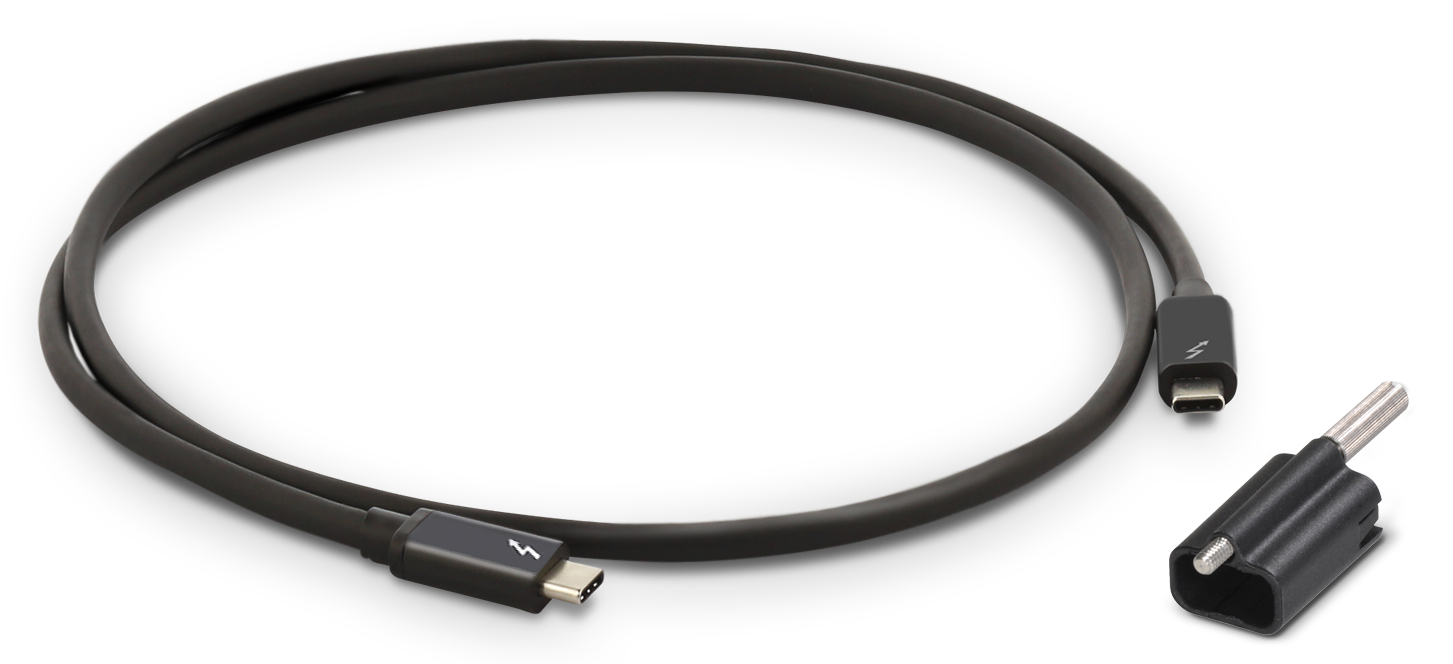
Sonnet includes a Thunderbolt cable that supports Thunderbolt’s maximum bandwidth and is fully compatible with Thunderbolt 5, 4, and 3 computers. Sonnet also provides ThunderLok, a Thunderbolt connector cable lock, that prevents accidental cable disconnections.
Sonnet Thunderbolt cable with ThunderLok sitting beside it.
Thunderbolt port with threaded hole icon.

ThunderLok Advantage

Many Sonnet Thunderbolt products featuring Thunderbolt ports come equipped with threaded mounting holes to securely attach a Sonnet ThunderLok connector lock, preventing Thunderbolt cables from accidentally disconnecting.

Thunderbolt Technology

Fastest External Interface Available

Sonnet Thunderbolt products feature a high-speed Thunderbolt interface that delivers PCIe bandwidth needed to support data transfers at full speed.

Two Thunderbolt ports icon.
Connect Additional Thunderbolt Devices
One port is reserved for connecting to your computer; the second port enables connection of additional Thunderbolt peripheral devices in a daisy chain.
10Gbps USB 3.2 Gen 2 icon.
10Gbps USB 3.2 Gen 2 Support
10Gbps USB 3.2 Gen 2 support allows you to connect a USB device to the second Thunderbolt port using the proper cable or adapter.
15W power icon.
Provides 15W of Power
For peripherals requiring extra power, 15 watts is provided to bus-powered devices through the secondary Thunderbolt port.
Display icon.
Supports Connecting Up to One 8K Display
Maximize the utilization of one computer Thunderbolt port, connecting the largest display supported by your computer.
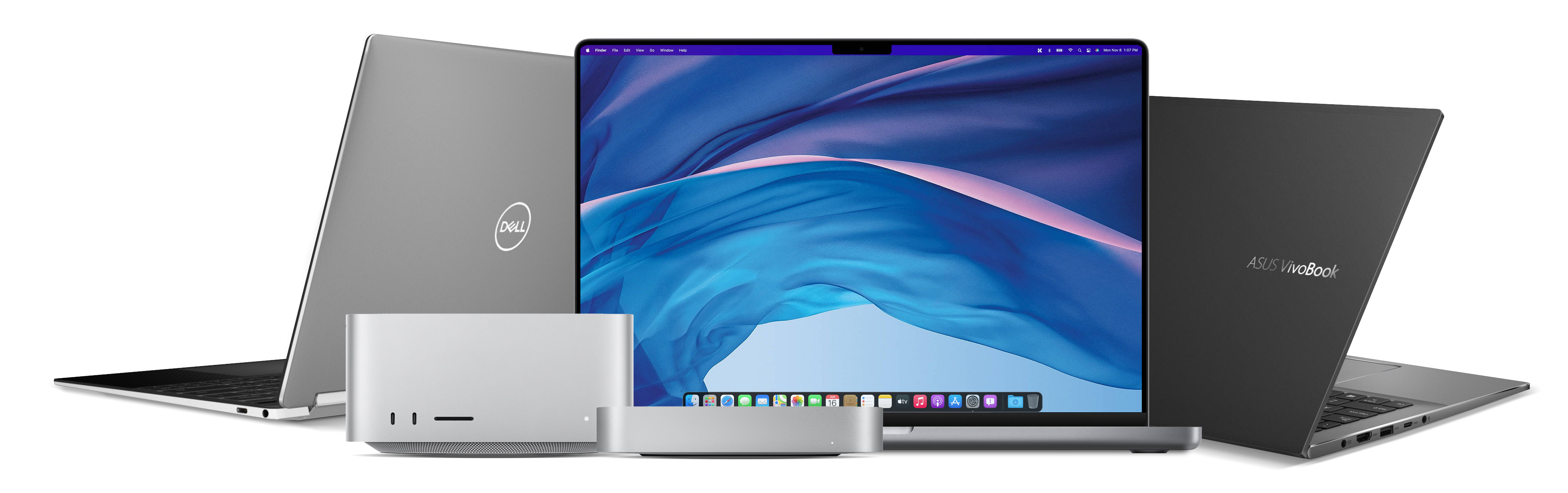
Group of computers that feature Thunderbolt ports.

Designed for the Fastest Connection to Thunderbolt Computers

Twin10G is purposely designed with a Thunderbolt 3 controller and its four lanes of PCIe (not available in a Thunderbolt 4 peripheral) to achieve maximum simultaneous ingest speeds. Watch this video to learn more about the performance benefits.
See Tech Specs for footnotes.
Product specifications and information subject to change without notice. Computers and accessories that may be featured in photos are not included with the product.

Twin10G Thunderbolt Adapter